Best Small AI Projects for Beginners: 10 Ideas You Can Build Without Buying a GPU
Best Small AI Projects for Beginners: 10 Ideas You Can Build Without Buying a GPU
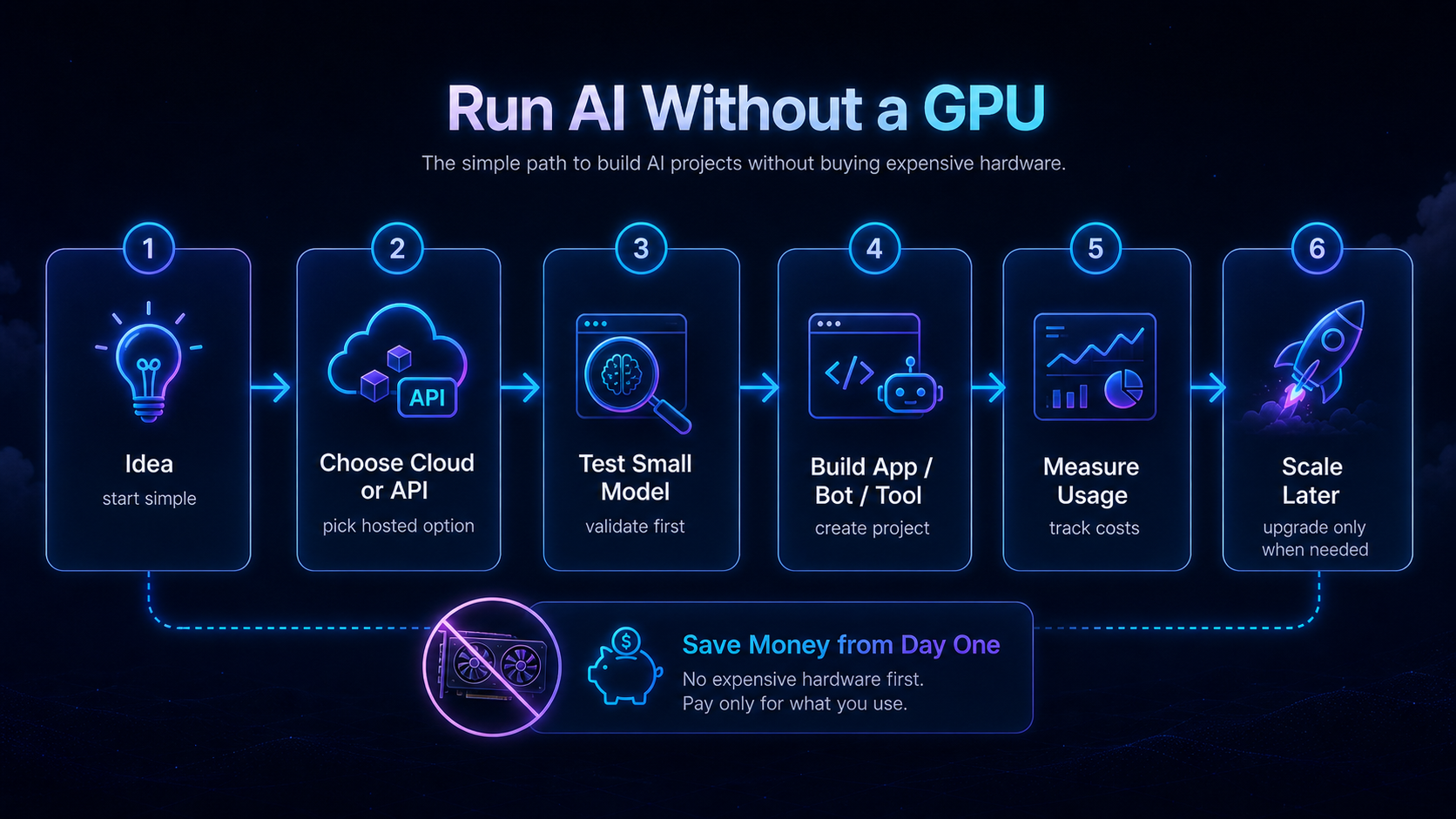
You do not need an expensive GPU to start building useful AI projects. Many beginner projects can run with normal hosting, a small VPS, a model API, OpenClaw, WordPress or simple automation tools.
The best beginner project is small enough to finish, useful enough to teach you something real, and safe enough that mistakes do not cause serious damage.
1. AI FAQ bot for your website
What it does: answers common questions from your own FAQ page or documentation.
Stack: WordPress or simple website, model API, optional RAG later.
Why it is good: teaches prompts, context and support workflows without needing a GPU.
2. Blog outline generator
What it does: turns a topic into an SEO-friendly outline with headings, FAQs and internal link ideas.
Stack: AI API or ChatGPT-style tool, WordPress, manual review.
Warning: do not auto-publish. Human review is important for facts, tone and affiliate disclosure.
3. Telegram study assistant
What it does: answers your private study questions or summarizes notes through Telegram.
Stack: OpenClaw or simple bot backend, VPS, model API.
Why it is good: teaches messaging channels and API keys in a private test environment.
4. Document summarizer
What it does: summarizes long notes, PDFs or pasted text into short takeaways.
Stack: web form, model API, file upload later.
Warning: do not upload sensitive private documents unless you understand the provider’s data handling.
5. Price research assistant
What it does: helps compare official pricing pages and summarize what changed.
Stack: manual browsing plus AI summarization, later web scraping if allowed.
Why it is good: teaches the difference between fresh official sources and outdated blog claims.
6. AI support reply drafter
What it does: drafts replies for support emails or comments, but a human sends the final answer.
Stack: email export, prompt template, model API, manual review.
Safety rule: the AI should draft, not send, until it has been tested carefully.
7. Personal research dashboard
What it does: stores useful links, summaries and notes for a topic you are learning.
Stack: simple database, Notion/Airtable/WordPress, AI summaries.
Why it is good: teaches organization, source tracking and useful internal linking.
8. Simple RAG knowledge base
What it does: lets an AI answer from a small set of your documents.
Stack: vector database or managed tool, model API, small document set.
Warning: start with public or non-sensitive documents first.
9. WordPress internal link helper
What it does: suggests internal links between your posts and pages.
Stack: WordPress export, AI prompt, manual editing.
Why it is good: improves SEO and site structure without risky automation.
10. AI project cost tracker
What it does: logs API usage, hosting cost, GPU hours and monthly estimates.
Stack: spreadsheet, simple form, API pricing pages.
Why it is good: teaches the most important AI infrastructure habit: tracking cost before scaling.
Best project order for GPUJet readers
- Blog outline generator.
- AI FAQ bot.
- Telegram study assistant.
- Document summarizer.
- AI project cost tracker.
- Simple RAG knowledge base.
What not to build first
- A fully autonomous public agent.
- A trading bot using real funds.
- A production RAG system with private documents.
- A GPU cloud deployment you cannot shut down.
- An auto-publishing content system without review.
GPUJet recommendation
Start with a project that teaches one skill: prompts, API keys, VPS deployment, messaging channels, internal linking or cost tracking. Do not start by combining everything.
Related GPUJet guides: Start Here, AI API Cost Control, How to Run an AI Agent on a VPS, AI Project Cost Examples.