
Page role
Start Here is for choosing your first path.
This page is not the full infrastructure guide. Use it when you are new and need to choose one first route: cloud, AI agent, OpenClaw, pricing or tutorials. For the full system map, use the AI Infrastructure Hub.
Your first AI project should be small, safe and affordable.
Use this page as your GPUJet entry point. Choose one path, build one tiny workflow, check the cost, keep human approval and scale only after the project proves useful.
Start with this mindset
What are you trying to build?
Different beginners need different paths. A WordPress AI helper, an OpenClaw test, a simple chatbot and a GPU model experiment do not need the same setup.
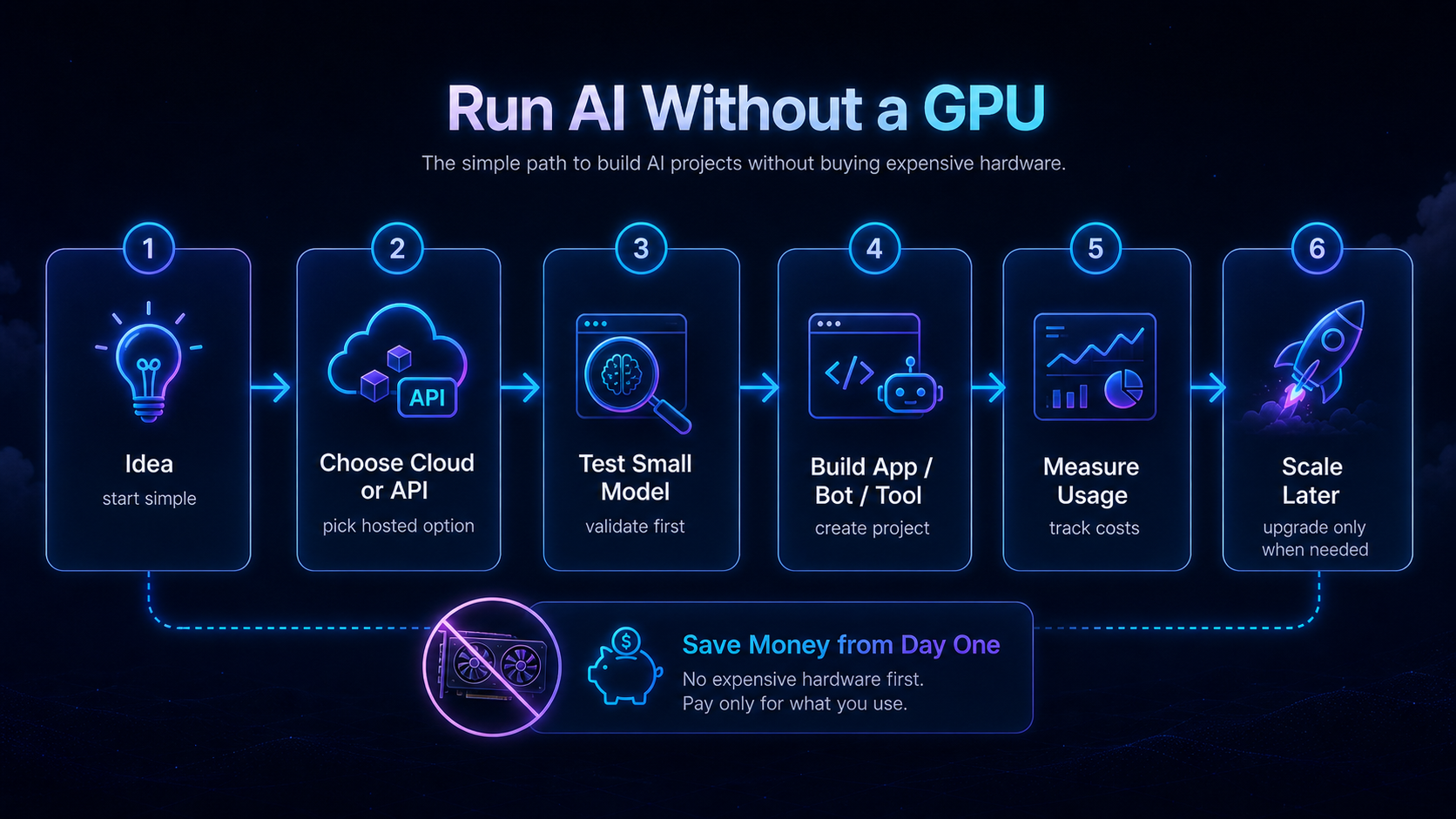
Pick one starting route.
Build one tiny AI workflow in one week.
Instead of reading endlessly, build one controlled workflow: draft-only, logged, cost-limited and manually reviewed.
Use the smallest setup that matches the workload.
| Project | Good first setup | Why | Next guide |
|---|---|---|---|
| WordPress AI draft helper | Normal hosting + model API | No GPU needed for outlines, FAQ drafts and summaries. | Small AI Assistant Build Log |
| OpenClaw first test | Small VPS or managed setup | Enough for logs, safe tools and draft-only testing. | OpenClaw First Test |
| Local model experiment | Short GPU cloud session | Use GPU only when VRAM or local inference is required. | GPU Cloud Decision Guide |
| Production agent | VPS + logs + backup + alerts | Reliability and rollback matter more than raw power. | Run an AI Agent on a VPS |
Three beginner mistakes that cost time or money.
Renting GPU too early
Test with API or a small VPS first. GPU cloud is useful, but idle instances can become expensive.
No rollback point
Create backups before editing server files, DNS, Docker settings, WordPress content or deployment configs.
Too much agent power
Start draft-only. Do not allow auto-publish, file deletion, email sending or real account actions on day one.
Continue with the strongest GPUJet guides.
Start with one useful workflow.
Pick one path, build one draft-only test, check the cost and keep human approval. That is the safest way to learn AI infrastructure.
Next steps
Map the project, then check the budget.
Before choosing OpenClaw, VPS, API-first AI or GPU cloud, understand the full stack and estimate one test run, one normal day and one bad day.
AI Infrastructure Hub Cost Planning Checklist Agent Risk LevelsNew to AI Projects?
If you have an AI idea but do not know how to turn it into a working tool, start with the GPUJet roadmap: AI Project Roadmap for Beginners.